
REST API Integration in n8n: Complete Guide
Sasha Ray
24th Aug, 2026
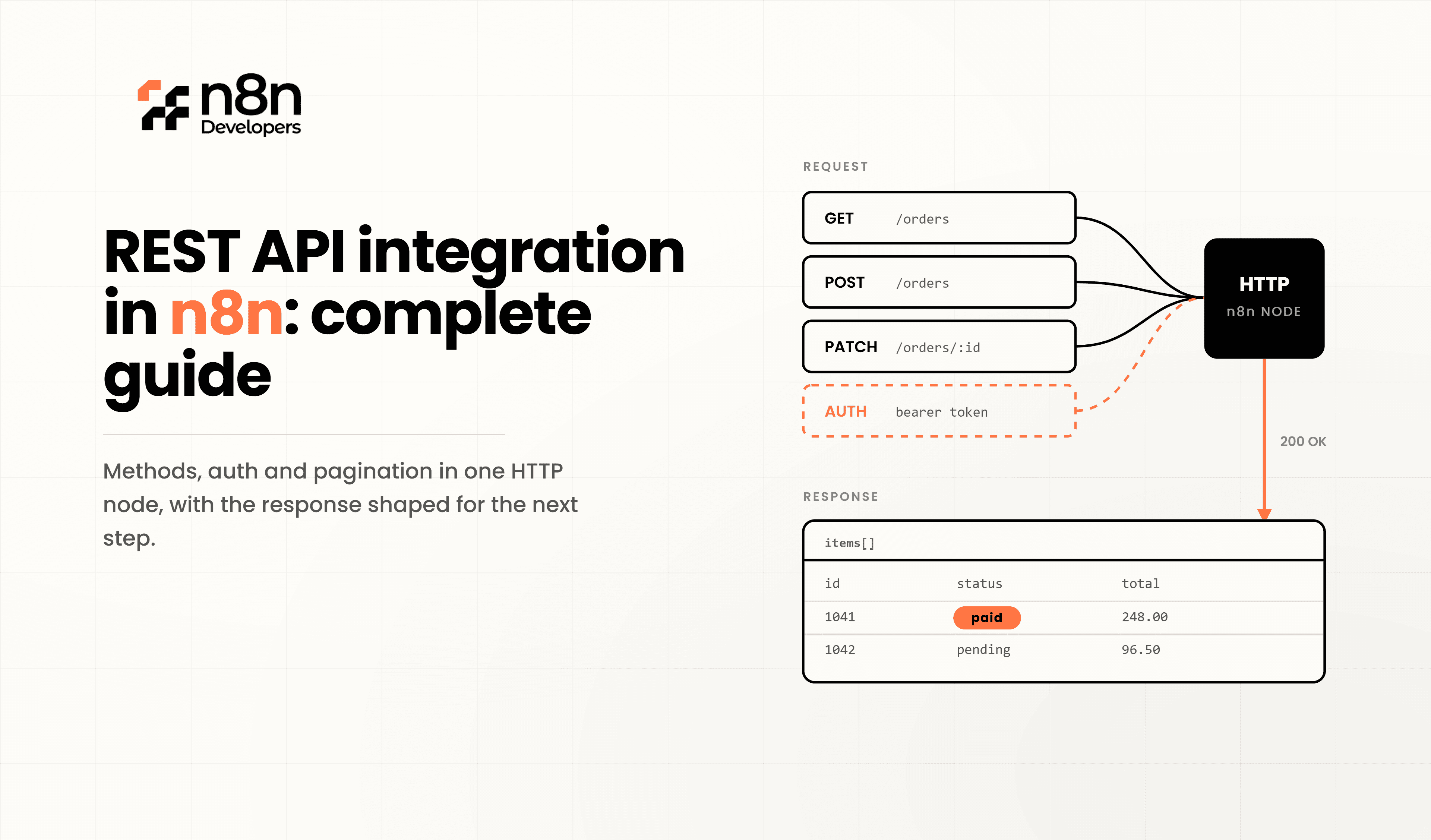
REST API Integration in n8n: Complete Guide
Modern businesses rely on APIs to connect software, automate repetitive work, and exchange data between applications. Whether you need to synchronize customer information, process payments, manage inventory, or automate notifications, REST APIs make these integrations possible. This guide explains n8n from the basics to advanced implementation, helping developers and businesses create scalable automation workflows.
Unlike traditional coding approaches that require custom scripts for every integration, n8n provides a visual workflow builder that simplifies API communication while still offering advanced flexibility through JavaScript, expressions, and custom logic.
What is REST API?
REST (Representational State Transfer) is an architectural style that allows applications to communicate over HTTP. REST APIs expose endpoints that accept requests and return structured responses, usually in JSON format.
Common HTTP methods include:
GET – Retrieve data
POST – Create new records
PUT – Update existing records
PATCH – Modify selected fields
DELETE – Remove records
Nearly every modern SaaS platform offers REST APIs, including CRMs, ERPs, payment gateways, AI services, marketing platforms, and cloud applications.
Why Use REST API Integration in n8n?
Using n8n for API integration eliminates much of the repetitive development work involved in connecting multiple services.
Benefits include:
Visual workflow creation
Minimal coding requirements
Support for hundreds of integrations
Flexible authentication methods
Built-in scheduling
Webhook support
Data transformation
Error handling
Logging
Easy maintenance
Developers can build enterprise-grade automation workflows without maintaining large integration codebases.
Understanding the HTTP Request Node
The HTTP Request node is the heart of API integration.
It allows you to:
Connect to any REST API
Send HTTP requests
Add headers
Pass query parameters
Upload files
Authenticate securely
Parse JSON responses
Chain multiple API calls
Typical workflow:
Trigger
↓
HTTP Request
↓
Transform Data
↓
Decision
↓
Another API
↓
Database
↓
Notification
Step 1: Prepare Your API
Before creating a workflow, gather:
API Base URL
Endpoint
Authentication method
Required headers
Request body
Expected response
Rate limits
Documentation
Example
Step 2: Authentication Methods
Most REST APIs require authentication.
Common methods include:
API Key
Authorization: Bearer YOUR_API_KEY
or
x-api-key: YOUR_KEY
Bearer Token
Authorization: Bearer ACCESS_TOKEN
Basic Authentication
Username
Password
OAuth 2.0
Many platforms including:
Google
Microsoft
Salesforce
HubSpot
Slack
support OAuth authentication directly within the workflow.
Step 3: Configure HTTP Request
Typical configuration:
Method
GET
URL
https://api.example.com/customers
Headers
Accept: application/json
Authentication
Bearer Token
Response Format
JSON
The workflow will automatically parse the returned data.
Working with Query Parameters
Example
GET /products?page=1&limit=20
Parameters
page
limit
sort
category
These can be configured directly inside the node without manually editing URLs.
Sending JSON Data
POST request example
{
"name":"John",
}
The node automatically converts JSON into an HTTP request body.
Handling API Responses
A successful API generally returns:
{
"id":101,
"name":"Product A",
"status":"Active"
}
You can use expressions such as:
{{$json.name}}
to access response values throughout the workflow.
Error Handling
Reliable automation requires proper error handling.
Best practices include:
Retry failed requests
Use Error Trigger workflows
Log failures
Send email alerts
Store failed requests
Continue workflow when appropriate
Example flow
API Call
↓
Success?
Yes No
↓ ↓
Continue Retry
↓
Alert Admin
Pagination
Large APIs often return paginated results.
Example
?page=1
?page=2
?page=3
Automation should:
Loop through pages
Stop when no data remains
Merge responses
Continue processing
This avoids missing records.
Rate Limits
Many APIs restrict requests.
Example
100 requests/minute
Strategies:
Add Wait nodes
Batch requests
Queue jobs
Retry after delay
This prevents API blocking.
Transforming Data
Incoming API data rarely matches destination formats.
Transformation options include:
Set Node
Code Node
IF Node
Merge Node
Switch Node
Example
Incoming
{
"first_name":"John",
"last_name":"Doe"
}
Output
{
"fullname":"John Doe"
}
Webhooks
Webhooks allow instant communication instead of scheduled polling.
Examples:
New order
Payment received
Customer signup
Ticket created
Form submission
The webhook receives data immediately and starts a workflow.
Real-World REST API Integration Examples
CRM Automation
Automatically create leads from website forms.
ERP Synchronization
Push orders into ERP software instantly.
AI Integration
Send customer queries to AI models and return responses automatically.
Payment Processing
Verify successful transactions before updating databases.
Inventory Management
Sync stock between warehouses and online stores.
Marketing Automation
Add new subscribers to email campaigns automatically.
Security Best Practices
Always secure your integrations.
Recommendations:
Store credentials securely
Never hardcode API keys
Use HTTPS
Validate responses
Encrypt sensitive information
Rotate API keys
Limit user permissions
Monitor workflow logs
Common Mistakes
Avoid these issues:
Missing authentication headers
Incorrect HTTP methods
Ignoring API documentation
No retry mechanism
Hardcoded credentials
No error logging
Processing unlimited records
Ignoring rate limits
Performance Tips
Improve workflow efficiency by:
Reducing unnecessary API calls
Using pagination
Running parallel workflows
Caching repeated data
Optimizing expressions
Processing batches
Monitoring execution times
Why Businesses Choose Professional Developers
Complex enterprise integrations often involve multiple APIs, custom authentication, security requirements, and high-volume data processing. Designing scalable workflows requires planning, testing, and long-term maintenance.
N8n Developers provides experienced Information Technology professionals and developers who build secure, scalable, and customized automation solutions for startups, enterprises, SaaS platforms, eCommerce businesses, and internal business operations.
n8n is one of the most effective ways to automate business processes without building custom integrations from scratch. By combining HTTP requests, authentication, webhooks, data transformation, and proper error handling, organizations can create reliable workflows that reduce manual effort and improve operational efficiency.
Whether you are integrating CRM systems, payment platforms, ERP software, AI services, or internal applications, professional workflow design ensures your automation remains secure, scalable, and easy to maintain.
Looking to build secure and scalable API automations? Our Information Technology experts and developers specialize in custom workflow solutions, REST API integrations, enterprise automation, and business process optimization. Contact us today to accelerate your automation projects with reliable, production-ready solutions.
Frequently Asked Questions
REST API integration connects applications using HTTP requests to automate data exchange and workflows.
It supports API Keys, Bearer Tokens, Basic Authentication, OAuth 2.0, and custom authentication methods.
Yes, the HTTP Request node can connect to almost any REST API with the correct endpoint and credentials.
It supports retries, error workflows, logging, and notifications to manage failed API requests.
Professional developers create secure, scalable, and reliable integrations that reduce maintenance and improve performance.

