
GitHub Automation using n8n: Streamline Development Workflows Efficiently
Sasha Ray
23rd Aug, 2026
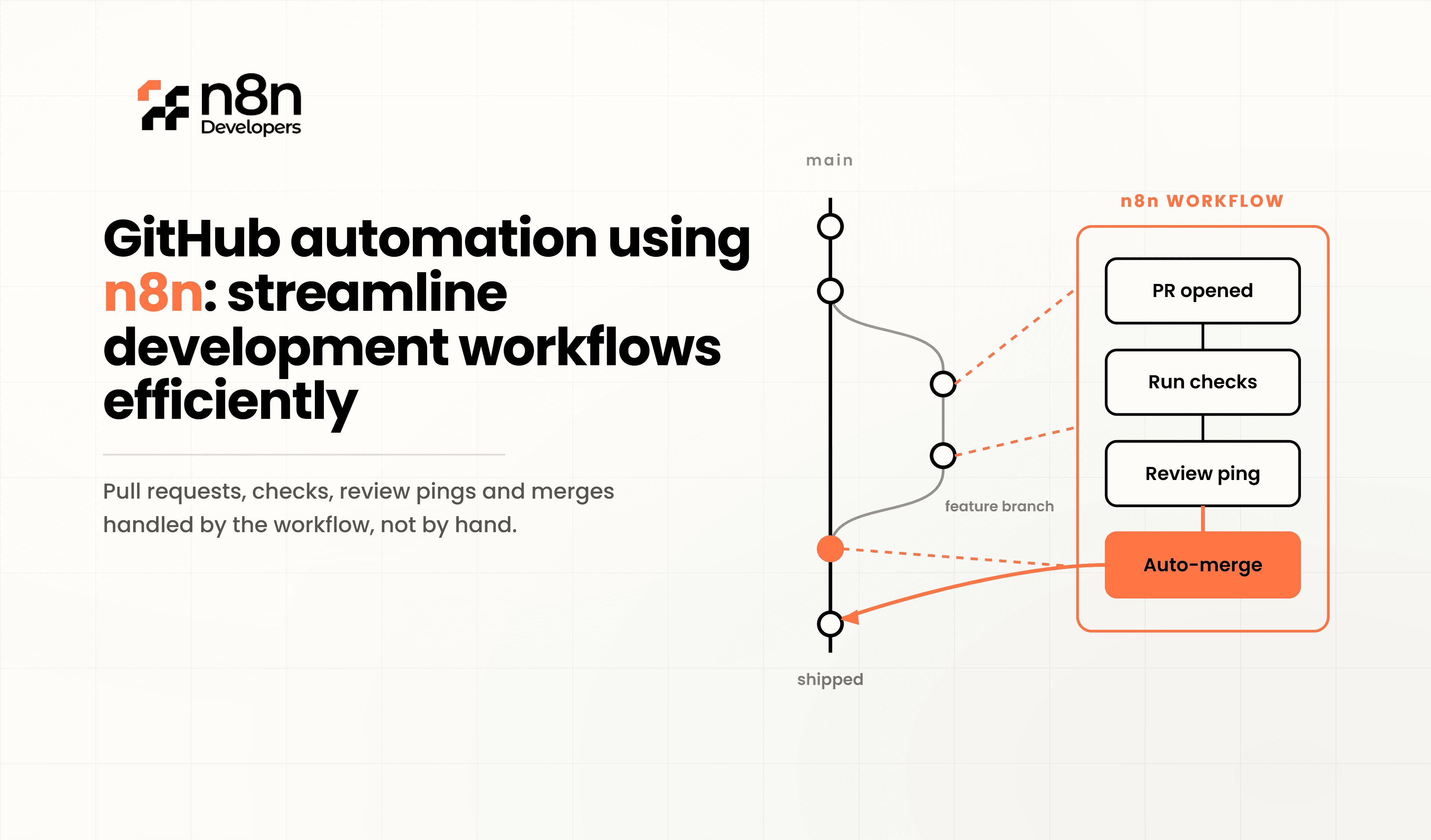
GitHub Automation using n8n: Streamline Development Workflows Efficiently
Modern software development moves quickly, but repetitive GitHub tasks can slow teams down. Developers often spend valuable time assigning issues, managing pull requests, updating project boards, sending notifications, and coordinating deployments instead of building software. This is where n8n becomes a practical solution.
By connecting GitHub with your existing tools, developers can automate routine development workflows without relying on expensive enterprise automation platforms. Whether you're managing a startup project or a large enterprise repository, automation improves consistency, saves time, and reduces manual errors.
Why Automate GitHub?
GitHub is more than a code repository. It manages collaboration, version control, issue tracking, code reviews, releases, and CI/CD workflows. As projects grow, manual management becomes increasingly difficult.
Automation helps teams:
Save developer time
Reduce repetitive work
Improve deployment consistency
Accelerate code reviews
Improve collaboration
Minimize human errors
Increase productivity
Instead of performing the same tasks every day, workflows can execute automatically whenever predefined events occur.
What is GitHub Automation?
GitHub automation means creating workflows that respond automatically to repository events.
Examples include:
New Issue Created
Pull Request Opened
Pull Request Approved
New Branch Created
Release Published
Commit Pushed
Repository Updated
These events can trigger additional automated actions across multiple business systems.
Benefits of GitHub Automation using n8n
Using n8n provides flexibility because workflows can connect GitHub with hundreds of business applications.
Major benefits include:
Faster Development
Developers spend less time on administrative work.
Better Team Communication
Automatically notify Slack, Microsoft Teams, Discord, or email whenever important GitHub events happen.
Consistent Processes
Every repository follows identical approval, review, and deployment workflows.
Improved Visibility
Managers receive automatic reports about project progress.
Lower Operational Costs
Automation reduces manual effort and increases developer efficiency.
Common GitHub Workflows You Can Automate
Automatic Issue Assignment
Assign issues based on labels, keywords, or repository rules.
Example:
Bug → Backend Team
UI Issue → Frontend Team
Security Issue → Security Team
Pull Request Notifications
Notify reviewers instantly when new pull requests are opened.
Notifications can include:
Slack
Microsoft Teams
Email
Discord
Code Review Reminders
Automatically remind reviewers after a specified period if reviews remain pending.
Deployment Approval Workflow
Before deployment:
Verify approvals
Check CI status
Confirm required reviewers
Trigger deployment automatically
Project Board Updates
Move GitHub Projects automatically.
Example:
Open → In Progress → Review → Testing → Completed
No manual project updates required.
Release Notifications
Whenever a release is published:
Notify customers
Update documentation
Send emails
Post on Slack
Create release notes
Backup Repository Information
Automatically export:
Issues
Pull Requests
Commits
Contributors
Repository statistics
Store backups in cloud storage or databases.
Integrating GitHub with Other Business Systems
GitHub rarely operates alone.
It often connects with:
Jira
Slack
Microsoft Teams
Google Sheets
PostgreSQL
MySQL
Salesforce
Trello
Notion
AWS
Azure
Docker
Jenkins
Connecting these tools creates a complete development automation ecosystem.
Real Business Example
Imagine a software company receiving dozens of pull requests every day.
Instead of manually coordinating reviews:
Developer opens Pull Request
Labels are checked
Reviewer assigned automatically
Slack notification sent
Jira ticket updated
QA notified
Deployment approval initiated
Status dashboard updated
Everything happens automatically.
Best Practices
To maximize automation success:
Keep workflows modular
Use descriptive naming conventions
Test before production deployment
Monitor execution logs
Secure API credentials
Document every workflow
Build reusable templates
Review workflows regularly
Common Challenges
Automation projects sometimes fail because of:
Poor workflow planning
Missing error handling
Excessive workflow complexity
Lack of monitoring
Inconsistent repository standards
Planning workflows before implementation significantly improves long-term reliability.
How n8n Improves GitHub Automation
Unlike basic automation platforms, n8n allows developers to build flexible workflows with custom logic, conditional branching, API integrations, and self-hosted deployment options. This makes it suitable for organizations that need greater control over their development processes while integrating GitHub with internal systems and cloud services.
Why Work with Professional Developers?
Although automation tools are user-friendly, enterprise workflows often require advanced integrations, security considerations, and custom API implementations.
N8n Developers provides Information Technologies and experienced developers who build scalable GitHub automation workflows tailored to business needs. From workflow planning to deployment and ongoing optimization, expert implementation ensures reliable automation that supports long-term growth.
Why Businesses Choose Automation
Organizations increasingly automate development because it offers:
Faster software delivery
Better collaboration
Reduced operational costs
Improved development quality
Better project visibility
Fewer manual mistakes
Increased developer productivity
Easier scalability
As software teams expand, automation becomes an essential part of modern DevOps practices.
n8n helps development teams eliminate repetitive work, improve collaboration, and build reliable software delivery pipelines. From issue management and pull request reviews to notifications and deployment approvals, automation keeps projects moving efficiently while allowing developers to focus on writing quality code instead of handling routine tasks.
If your organization is looking to modernize software development workflows, investing in GitHub automation is a practical step toward greater productivity and scalable operations.
Ready to automate your GitHub development workflows?
Partner with N8n Developers for Information Technologies and experienced developers who design secure, scalable, and customized automation solutions. Contact our team today to streamline GitHub processes, improve DevOps efficiency, and accelerate software delivery.
Frequently Asked Questions
It automates GitHub tasks like issues, pull requests, and notifications using customizable workflows.
Yes, GitHub can integrate with hundreds of tools for seamless workflow automation.
Yes, it saves time and improves productivity for teams of any size.
Yes, automation minimizes manual steps and ensures consistent processes.
Automation improves efficiency, collaboration, and faster software delivery.

