
n8n Expression Cheat Sheet (Free, Printable)
Sasha Ray
25th Oct, 2026
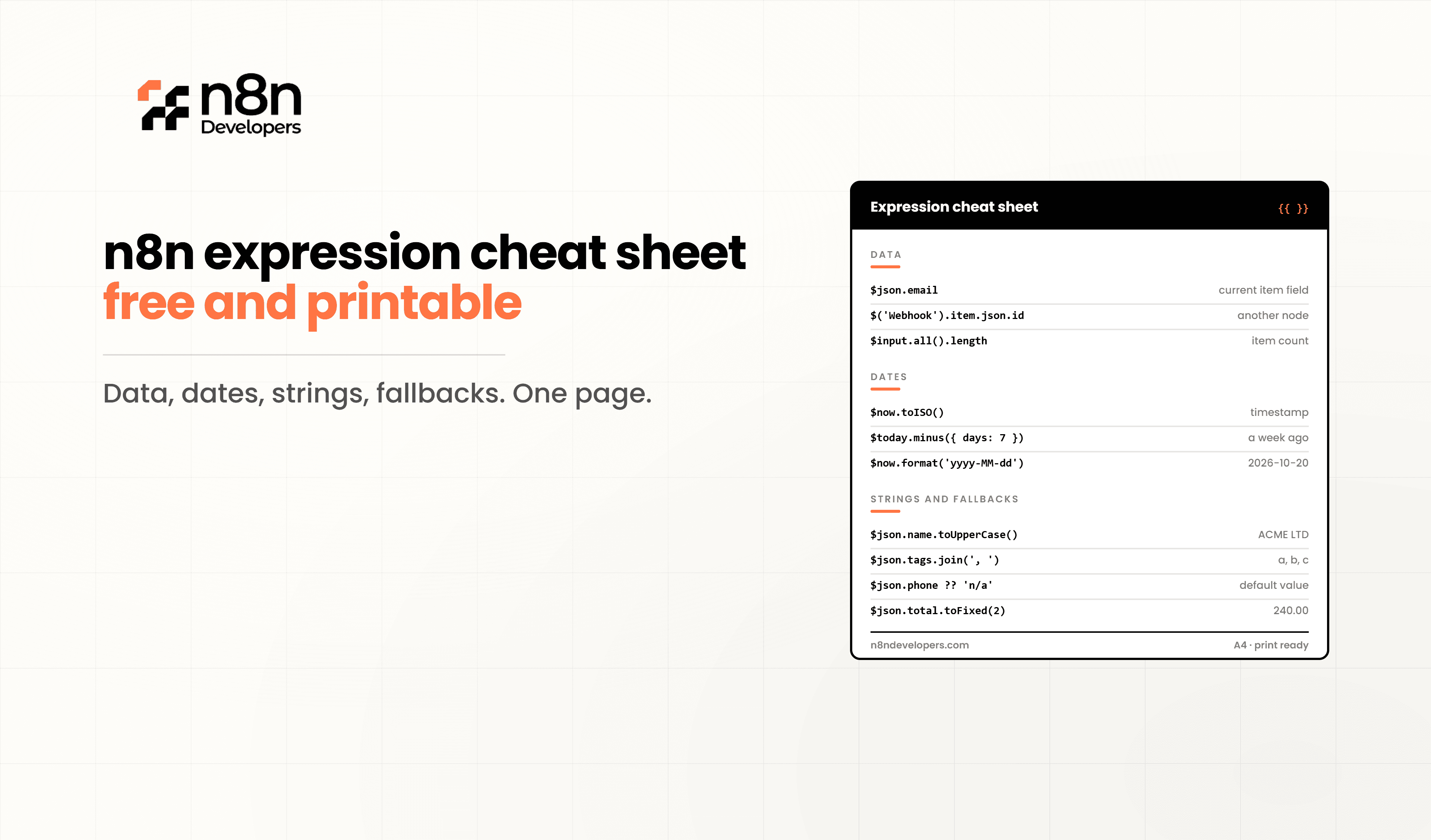
n8n Expression Cheat Sheet (Free, Printable)
Expressions are what turn n8n from a simple connector into a powerful automation platform. With expressions, you can pull data from earlier nodes, format dates, clean text, calculate totals, and make decisions inside any node field. You don’t need a separate Code node for any of it.
The problem is remembering the syntax. Was it $json or $input? .first() or .item? How do you format a date or get yesterday’s date?
This n8n Expression Cheat Sheet puts the most useful expressions on one page. Bookmark it, print it, or keep it next to your editor while you build. For complex workflows that go beyond expressions, many businesses Hire n8n Developers to design clean, scalable automation.
What Are n8n Expressions?
An expression is a small piece of JavaScript placed inside double curly braces in any node field:
js{{ $json.firstName }}
To use one, switch a field from Fixed to Expression, or type {{ directly. n8n evaluates the code for each item and shows a live preview of the result.
Expressions support:
Standard JavaScript (string methods, math, ternaries)
n8n built-in variables like
$json,
$now, and
$executionn8n data transformation functions like
.extractEmail()and
.removeDuplicates()Luxon for date and time handling
1. Current Item Data
Expression | What It Does |
|---|---|
| Field from the current incoming item |
| Field with spaces or special characters |
| Nested field |
| First element of an array field |
| Number of elements in an array |
| Binary file name |
| Position of the current item (starts at 0) |
Tip: $json is the safest way to read data because it always refers to the item coming into the node.
2. Referencing Other Nodes
Expression | What It Does |
|---|---|
| Matching item from an earlier node |
| First item from a node |
| Last item from a node |
| Total items output by a node |
| Item at a specific position |
| First item from the input of the current node |
| All input items |
|
Tip: If .item throws “Can’t determine which item to use,” switch to .first() when the node returns one item, or use $json when the data is already in the current item.
3. Workflow and Execution Variables
Expression | What It Does |
|---|---|
| Workflow name |
| Workflow ID |
| Whether the workflow is active |
| Current execution ID |
| Execution mode, such as
or
|
| URL to resume a waiting workflow |
|
Tip: Add $workflow.name and $execution.id to error alerts so your team can find failed runs quickly.
4. Dates and Times (Luxon)
n8n uses the Luxon library for dates. $now returns the current date and time, and $today returns today at midnight.
Expression | What It Does |
|---|---|
| Current date and time |
| Today at midnight |
| Format as 2026-10-20 |
| Format as 20/10/2026 14:30 |
| ISO 8601 timestamp |
| Unix timestamp in milliseconds |
| Yesterday’s date |
|
Common format tokens: yyyy year, MM month, dd day, HH hour (24h), hh hour (12h), mm minutes, ss seconds, a AM/PM, MMM short month name, EEEE weekday name.
5. Strings
Expression | What It Does |
|---|---|
| Convert to uppercase |
| Convert to lowercase |
| Capitalize each word |
| Remove extra spaces at the start and end |
| Join two fields |
| Template string |
| Replace text |
|
6. Numbers and Math
Expression | What It Does |
|---|---|
| Multiply two fields |
| Round to two decimal places |
| Round down |
| Round up |
| Larger of two values |
| Percentage |
| Convert to a number |
|
7. Arrays
Expression | What It Does |
|---|---|
| Number of items |
| Join into a single string |
| Check if a value exists |
| First element |
| Last element |
| Remove duplicate values |
| Extract one field from each object |
|
8. Objects
Expression | What It Does |
|---|---|
| List of field names |
| List of field names (n8n shortcut) |
| Check if a field exists |
| Remove a field |
| Remove empty fields |
| Check if an object is empty |
| Convert an object to a JSON string |
|
9. Conditional Logic and Fallbacks
Expression | What It Does |
|---|---|
| If/else |
| Fallback when the value is null or undefined |
| Safe access when the parent might be missing |
| Combine two conditions |
| Multiple conditions |
| Check that an array exists and has items |
| Convert a value to true or false |
Tip: Optional chaining (?.) and the nullish operator (??) prevent many “Cannot read properties of undefined” errors.
10. Querying JSON with JMESPath
For complex nested data, $jmespath() lets you query JSON with a short syntax.
Expression | What It Does |
|---|---|
| All order IDs |
| Only paid orders |
| Nested field from the first order |
Common Expression Mistakes
Using
.itemacross Merge, Aggregate, or loops:
Use
.first()or carry the field forward instead
Forgetting the curly braces:
Text without
{{ }}is treated as plain text
Treating strings as numbers:
"10" + "5"returns
"105". Use
.toNumber()first
Expressions vs the Code Node
Use Expressions When | Use the Code Node When |
|---|---|
Mapping or formatting single fields | Transforming many fields at once |
Simple calculations | Complex logic with loops |
Date formatting | Restructuring entire items |
Short conditions | Combining or splitting many items |
Pulling values from earlier nodes | Reusable logic that’s hard to read inline |
A good rule: if an expression no longer fits comfortably on one line, move it to a Code node.
Download the Free Printable Cheat Sheet
Want this on your desk? Download the free printable n8n Expression Cheat Sheet as a PDF. It includes all the tables above in a compact, print-friendly layout, so you can keep the most useful expressions within reach while you build.
[Download the Free Printable PDF]
Why Businesses Choose Professional n8n Developers
Expressions handle most day-to-day data mapping. Production workflows, however, often need clean data architecture, reusable sub-workflows, error handling, and well-structured Code nodes. Many businesses Hire n8n Developers to build workflows that are easy to read, simple to maintain, and reliable at scale.
Why Choose N8n Developers?
N8n Developers provides Information Technology services and experienced developers who build, optimize, and maintain n8n workflows for businesses of every size. Our team helps you:
Build complex data transformations and mappings
Fix expression and paired item errors
Write clean, reusable Code nodes
Design scalable workflow architecture
Provide ongoing workflow support and training
Conclusion
Mastering expressions is one of the fastest ways to level up in n8n. With this n8n Expression Cheat Sheet, you can reference data, format dates, clean text, and build conditional logic without guessing at syntax or reaching for a Code node every time.
Keep it bookmarked, print the PDF, and use it as your quick reference whenever you build. When your workflows outgrow simple expressions, our team is ready to help. Hire n8n Developers today to build automation that’s powerful, clean, and built to scale.
Frequently Asked Questions
Expressions are short pieces of JavaScript inside {{ }} that let you use dynamic data in any node field.
$json reads the current incoming item. $('Node').item reads the matching item from a specific earlier node.
Use Luxon methods, such as {{ $now.toFormat('yyyy-MM-dd') }}, or convert strings with .toDateTime() first.
Yes, expressions support standard JavaScript plus n8n’s built-in variables and data transformation functions.
Experienced developers build clean, maintainable workflows and solve complex data problems faster.

